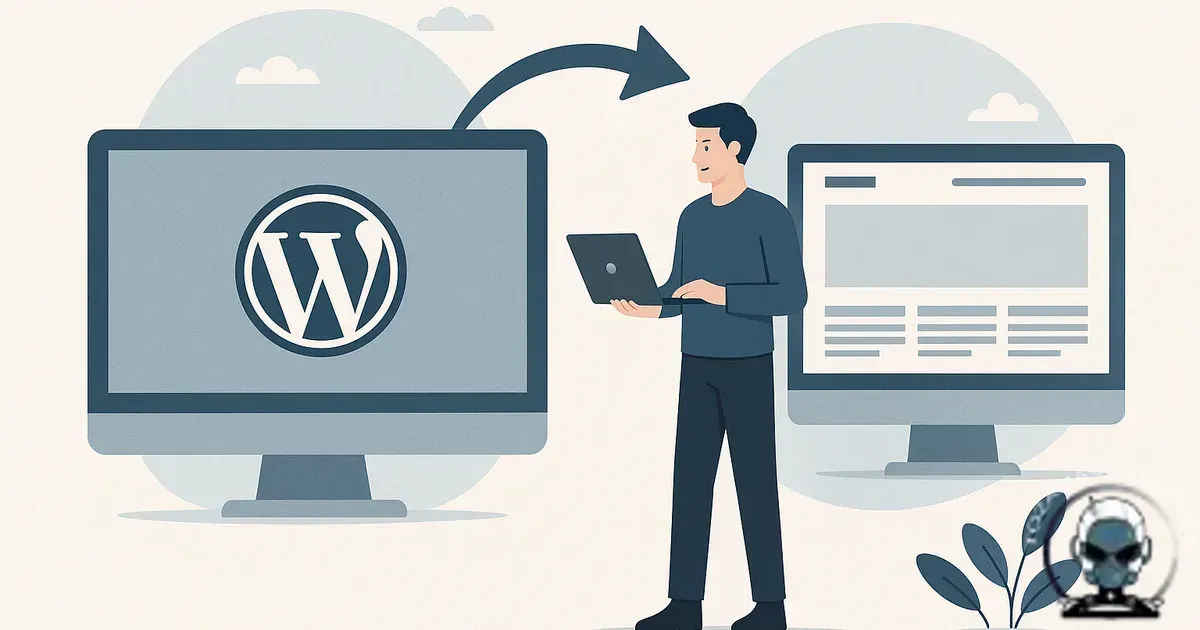
Moving from WordPress to a custom website safely comes down to one thing, protecting the discoverability signals you’ve already earned while you swap the engine underneath. Understanding Migrating from WordPress to a Custom Website Safely matters for any business serious about their online presence. Businesses don’t usually lose traffic because they “moved platforms”. They lose it because URLs, metadata, internal links, and tracking get changed in ways that break citations across Google, social platforms, and now AI search surfaces too.
Why migrations go sideways (it’s rarely the code)
Most migration failures aren’t caused by technical difficulty. They’re caused by planning gaps. A new build gets approved, the project rolls on, and then someone realises the old site has 300 indexed URLs, half of them created by plugins and nobody has a reliable map of what needs to survive.
WordPress is particularly good at accumulating “invisible” infrastructure, category archives that got indexed by accident, tag pages pulling long tail queries, media attachment pages, and parameterised URLs from search and tracking. When you move to a custom stack, those artefacts either vanish or change shape. If you don’t make deliberate calls on what to keep, what to 301, and what to intentionally retire, the algorithm will fill in the gaps for you and it rarely does it in your favour.
Start with a URL inventory you can trust
Get certainty first, then design. Pull a full list of indexable URLs from Google Search Console exports, analytics landing pages, and a crawl of the current site. Then cross check them, because each dataset is biased in a different way. Search Console shows what Google is actually indexing and testing. Analytics shows what real people land on. A crawl shows what your internal linking makes reachable.
The outcome here isn’t just a list. It’s a classification by intent and value. Service pages, location pages, blog articles, lead magnets, and legal pages behave differently during a migration, and they deserve different handling. Custom builds give you freedom, but without constraints that freedom is how you quietly delete the pages that drive citations.
Preserve information architecture before you “improve” it
Most businesses want to tidy things up during a migration. Reasonable. The trap is stacking structural change on top of a platform change. If you change the CMS, theme, URL structure, navigation, content, and tracking in one release, you lose the ability to isolate what caused a drop.
Safe migrations work like a controlled refactor. Protect the external-facing interface first (URLs, titles, headings, internal links, schema intent), then iterate once the new foundation is stable. If you’ve outgrown the WordPress model, that’s a separate decision from whether you should also restructure your entire content ecosystem on the same deadline. If you’re weighing that trade off, read Signs Your Business Has Outgrown WordPress or Wix.
Redirects are not “set and forget”
Redirects protect continuity, but only when they’re engineered properly. The goal is one clean hop from every old URL to the single best new destination. Chains (A→B→C) burn crawl budget and soften signals. Blanket redirects (everything to the homepage) are worse because they destroy relevance and user intent.
Make the redirect map a first class artefact. Every old URL gets a target, a reason, and an owner. Then test it like you’d test payments. Crawl your old URL list against staging with redirects enabled and confirm you’re getting the expected status codes, canonical targets, and final content.
If you’re migrating off WordPress, put extra attention on:
- Trailing slash consistency and case sensitivity (custom stacks often behave differently to WordPress)
- Media URLs, especially if you change the uploads path or move to a CDN
- Blog pagination and category archives if they were indexed and driving traffic
- PDFs and downloadable assets that attract backlinks
Rebuild metadata and schema with technical integrity
WordPress sites often outsource metadata to SEO plugins: titles, descriptions, canonicals, robots directives, and JSON-LD schema. On a custom website, you’re not recreating plugin settings, you’re recreating outcomes. Your new platform needs stable canonicals, correct robots rules, and predictable metadata across templates, every time.
Schema is where custom builds either shine or quietly break. If your WordPress setup had LocalBusiness, Organisation, FAQ, Service, or Article markup, you want equivalent structured data in the new stack, with consistent entity naming and identifiers. This isn’t feature chasing. It’s algorithmic alignment. Machines use structured data to understand what a page is, not just what it says.
If you’re comparing template driven platforms to custom builds from a risk perspective, Why Custom Websites Are More Secure Than Templates is worth a read, because the same “control the surface area” mindset applies to SEO and tracking too.
Security is part of migration safety, not an add-on
“Safely” also means preserving technical integrity behind the scenes, not just keeping URLs stable. If you’re migrating away from WordPress because you want more control, make sure you’re not swapping one set of constraints for another in shared infrastructure where access, ownership, and configuration are limited. That’s where discoverability and citations can take collateral damage, because a platform-level security incident or lockout breaks tracking, uptime, and crawl access in one hit, which we unpack in Hidden Security Risks of Cheap Website Builders (and Why They’re Hard to See).
Security is part of migration safety, not a separate checklist
When you swap WordPress for a custom stack, you are also changing your security boundary. That affects the stability of your tracking, the reliability of your integrations, and the uptime that quietly protects discoverability and citations over time.
Builders tend to hide complexity inside a shared ecosystem, while custom builds put control and responsibility back in your hands. If you want a practical way to evaluate monitoring, recovery, and integration risk before you cut over, we break it down in Website Builders vs Custom Websites: Security Comparison for Small Businesses.
Data migration: decide what’s content and what’s baggage
Exporting WordPress posts is straightforward. Migrating the right content model is where projects get expensive. WordPress stores a lot of meaning in conventions, post types, taxonomies, custom fields, short codes, and page builder blocks. When you move into a custom CMS or headless setup, those conventions need to become explicit fields and components, otherwise you end up with a brittle system that’s hard to extend.
Here’s the approach that keeps the build clean and repeatable:
- Define your new content types first (for example: Service, Case Study, Article, Location, Team Member)
- Map WordPress fields to your new model (title, slug, excerpt, body, featured image, author, publish date, categories)
- Decide what to drop (old tags, thin pages, duplicate archives) and what to preserve for citations
- Migrate in a repeatable way so you can rerun it after content freeze without manual patchwork
Short codes and page builder content are the usual pain point. If your existing site is heavy on builder blocks, budget time to convert that content into clean HTML or structured components. Otherwise you’ll launch a “custom” website that still carries WordPress era baggage, just in a form that’s harder to maintain.
Downtime risk is a deployment problem, not a “migration problem”
Controlled releases reduce downtime because the infrastructure is parallel. Build the custom site in staging, validate it properly, then cut over with a planned release. The simplest path is DNS switching with TTL set in advance. The more controlled option is a reverse proxy or load balancer so you can route traffic and roll back quickly if something unexpected happens.
Downtime is usually caused by overlooked dependencies, email sending, form handling, payment webhooks, CRM integrations, and third-party scripts that assume WordPress endpoints. Treat these as foundation infrastructure, not “marketing add-ons”. If a lead form breaks for 48 hours after launch, it wasn’t a safe migration, even if the homepage loads.
Tracking and attribution: migrate the measurement layer, not just the pages
Most migration checklists mention GA4 and move on. Attribution in the real world is more fragile than that. Change domains, subdomains, or cookie settings and sessions can fragment. Change form tools and conversion events can disappear. Change thank you pages and ad platforms can lose optimisation signals.
Protect continuity by documenting your current measurement layer before launch, GA4 events, Google Ads conversions, Meta pixel events, call tracking, CRM source fields, and any server side tagging. Then replicate it intentionally. A custom website is a good opportunity to improve data integrity, but you only get that benefit if you keep measurement consistent long enough to compare before and after.
Launch sequencing that protects discoverability
Sequencing reduces risk because it limits variables. We prefer shipping the new site with parity first, then iterating. That means the initial release keeps core URLs stable, preserves high performing content, and maintains internal linking patterns that search engines already understand.
Once the new build is live and stable, you can improve conversion pathways, content depth, and architecture without guessing what broke. If you want a solid framework for how users should move through the new site, Conversion Pathways: How to Turn Traffic Into Customers pairs well with a migration project because it forces clarity on intent and next steps.
Post-launch: what we actually monitor in the first 30 days
The first month is where a “safe” migration proves itself. Expect some movement, but you should be able to explain it. We watch Search Console coverage and crawl errors daily at first, then weekly. We compare landing page performance against the pre-launch baseline (not just total sessions). And if server logs are available, we use them, they show what bots are requesting and where 404s are happening before other tools catch up.
Most fixes in this window are boring, but they’re high impact, missing redirects, canonicals pointing to staging, inconsistent trailing slashes, blocked resources, and broken internal links. Catch them early and you reduce the time the algorithm spends learning the wrong version of your foundation.
What “safe” looks like when it’s done properly
A safe WordPress to custom migration shouldn’t feel like a cliff. Your highest value URLs keep their intent, redirects resolve cleanly, tracking continues to attribute leads, and the new platform is easier to maintain without plugin sprawl. The point isn’t to escape WordPress for its own sake. It’s to build infrastructure that’s predictable, testable, and aligned with how machines discover and cite your business.
Sources & Further Reading

Planning a WordPress-to-custom migration?
We’ll map URLs, redirects, tracking, and launch sequencing so your discoverability holds through cutover.
Get in TouchComments
No comments yet. Be the first to join the conversation!


Leave a Comment
Your email address will not be published. Required fields are marked *