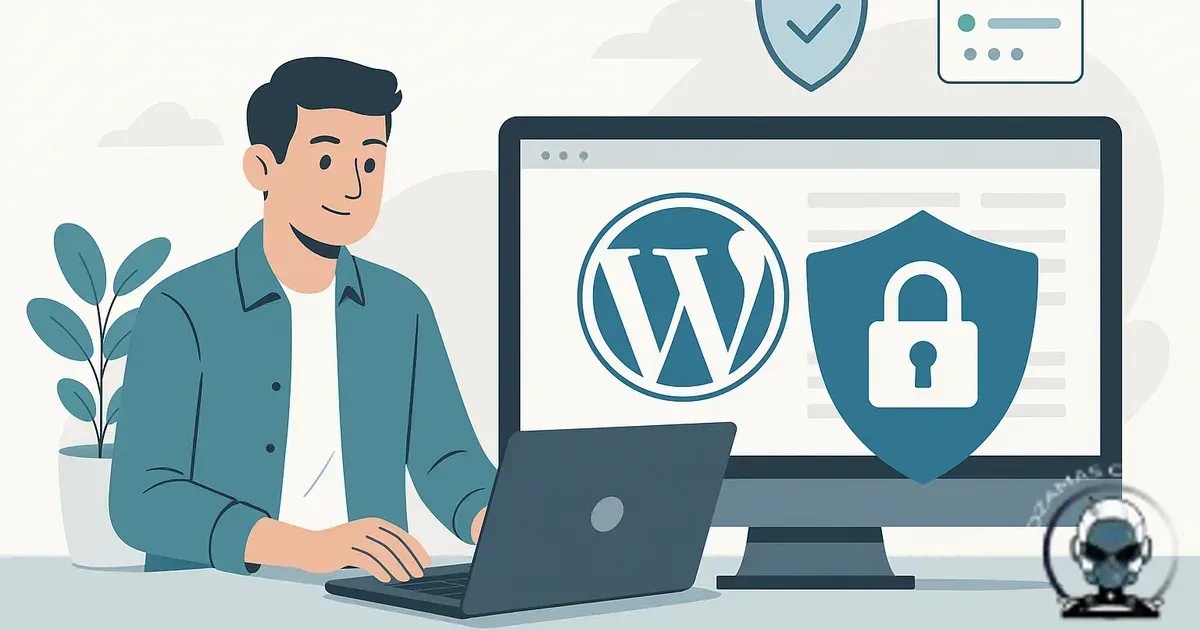
WordPress is safe enough, until you run it like a hobby
WordPress is still safe for business websites, provided you run it like production infrastructure. Understanding Is WordPress still safe for business websites matters for any business serious about their online presence. That means it gets maintained on purpose, not only touched when something breaks.
You get a solid baseline because WordPress core is mature, widely scrutinised, and backed by a formal security team. Most business incidents aren’t “WordPress got hacked” in isolation. They’re “our WordPress stack drifted into a fragile state” thanks to plugin sprawl, delayed updates, loose access controls, and backups that exist on paper but don’t restore cleanly.
If you’re comparing platforms, here’s the practical framing: WordPress can be run securely, but it carries a bigger operational surface area than most SaaS site builders. That surface area is completely manageable, but only if you bring system-first habits and technical integrity to how you select, update, and govern every moving part.
The real attack surface is your plugin stack, not the CMS badge
You reduce real world compromise risk by controlling your plugin and theme stack. That’s the “why” most compromises start with a vulnerable plugin or theme and automated exploitation, not some dramatic core breach.
The reality is that “WordPress” isn’t one product. It’s WordPress core plus your specific mix of plugins, themes, custom code, server configuration, and third party scripts. Two businesses can both say “we’re on WordPress” while one runs a tightly controlled stack and the other is a Jenga tower held together by abandoned plugins and optimism.
Plugin risk also isn’t just “has it ever had a vulnerability?”. It’s whether the maintainer patches quickly, whether the codebase is sensibly architected, and whether the plugin touches high impact areas like file uploads, form handling, authentication, or payment flows. Those categories deserve stricter scrutiny than, say, a simple block library.
If you want a deeper breakdown of what tools are worth trusting and what they’re actually good at, read best website security tools for business websites (and what they’re actually good at). The goal isn’t to “install security”. The goal is tighter technical integrity: fewer exploitable paths, and faster detection when something changes.
Update fatigue is how security debt builds up
You avoid security debt by keeping updates small and routine. That’s the “why” most small businesses don’t ignore updates because they’re careless, they ignore them because updates can break things, and nobody wants to be responsible for the day the checkout stops working.
But delaying is the trap. The longer you wait, the riskier updates become because you’re jumping more versions at once, and the change log you should’ve been reading monthly turns into a novel. That’s how security debt forms, known issues sitting in production because “we’ll do it later”. Attackers love “later”.
The operational answer is boring, and it works. You need a cadence, staging, and rollback confidence. A proper maintenance rhythm prevents drift and keeps changes small and reversible. If you’ve never formalised that, how often should a business website be maintained? a practical schedule that prevents downtime lays out a realistic schedule that doesn’t rely on heroic effort.
“Secure” means your whole foundation holds under pressure
You get real security when your foundation is designed for failure. That’s the “why” incidents don’t arrive at convenient times, they hit on weekends, during campaigns, or when you’re on a plane.
In practice, technical integrity comes down to a few non negotiables, hardened admin access, least privilege user roles, predictable update processes, backups that restore, and monitoring that tells you what changed and when. Miss any one of those and WordPress becomes “unsafe” in the same way any unmanaged system becomes unsafe.
Backups are the classic example. Plenty of sites have backups. Far fewer have proven restores. A backup you’ve never restored is a comforting file, not a recovery plan.
Security breaks when your platform stops behaving like infrastructure
Once you’re fighting plugin sprawl, performance bottlenecks, or tracking that won’t stay reliable, the security conversation shifts from patching to foundation. That’s the “why” more moving parts means more places for drift, weaker algorithmic alignment, and fewer clean citations across your stack because machines can’t trust what keeps changing. If the maintenance load feels like a second job, Signs Your Business Has Outgrown WordPress or Wix walks through the practical signals that it’s time to re-architect for technical integrity.
Security isn’t the only reason teams leave WordPress
If updates feel like a quarterly crisis, that’s not just a security problem. It’s a signal your site’s infrastructure is carrying too much operational surface area, and the cost shows up in uptime risk, release friction, and slower incident response.
If that’s where you’re landing, a move can be sensible, but only if you preserve discoverability and citations with redirects, structured data continuity, and clean cutover planning. We unpack the migration mechanics in Migrating from WordPress to a Custom Website Safely (Without Losing Discoverability).
WordPress vs SaaS platforms: the comparison most people miss
You make a better platform decision by understanding responsibility boundaries. That’s the “why” the security trade off between WordPress and Shopify, Squarespace, Wix, Webflow, or similar is mostly about who owns which parts of the stack.
On SaaS platforms, the vendor owns most of the infrastructure layer. Patch management, server hardening, and a lot of security controls are handled for you. Your risk shifts toward account security, app integrations, and content/config mistakes. That’s why SaaS can feel “safer” for teams that don’t want operational overhead.
On WordPress, you (or your provider) own more of the stack. That’s a liability if you don’t have process, and a strength if you need control, performance tuning, custom workflows, or tighter algorithmic alignment across your marketing stack. The security outcome depends less on the platform and more on whether you’ve built proper growth infrastructure around it.
Where WordPress is genuinely risky for businesses
You avoid predictable failures by recognising the patterns that keep repeating. That’s the “why” WordPress becomes risky in a handful of very common scenarios, and it’s worth calling them out plainly.
First is “plugin for everything” builds. Every new feature becomes another dependency, which multiplies update workload and increases the chance one vendor goes quiet. Second is sites built by multiple hands over years without clear ownership. You end up with unknown custom snippets, orphaned integrations, and admin accounts that should’ve been removed two staff members ago.
Third is cheap hosting with weak isolation. A secure WordPress install on a well managed environment is a different beast to WordPress on overcrowded shared hosting where one compromised neighbour can ruin your week. Fourth is businesses running high value transactions without proper controls. If you’re processing payments, storing customer data, or running membership access, you need stronger governance than “it seems fine”.
What “safe enough” looks like in a WordPress business stack
You get a safer WordPress stack through discipline, not gadgets. That’s the “why” when we audit WordPress sites, we look for evidence of ownership and process more than evidence of tools.
A safe build usually has a minimal plugin set, clear accountability, and a change process that doesn’t rely on someone’s memory. It also separates marketing needs from security needs in a practical way. Marketing teams will add scripts, pixels, form tools, chat widgets, and A/B testing, that’s normal. The risk shows up when those additions happen without visibility or review. Every third party script is another dependency, and dependencies affect both security and performance. The goal isn’t to “ban marketing”. The goal is governance so your discoverability and conversion goals don’t create new attack paths.
If you’re building a broader site foundation that supports both discoverability and operational resilience, Designing a Website Ecosystem (Not Just Pages): Infrastructure for Discoverability is a good reference point. Security and discoverability aren’t separate projects. They’re both outcomes of good architecture.
So, is WordPress still safe?
WordPress is still a safe option for business websites when it’s treated as managed infrastructure with clear accountability. It becomes unsafe when it’s treated as a one off build you “set and forget”, especially with a sprawling plugin stack and inconsistent updates.
If you’re already on WordPress and feeling the update fatigue, the answer usually isn’t “move platforms” straight away. It’s to reduce complexity, tighten governance, and put a maintenance system in place so security debt stops compounding. If you’re choosing a platform, pick the one whose responsibility model you can actually sustain. Security isn’t a feature. It’s a practice.
Sources & Further Reading

Need a WordPress security baseline you can trust?
We can audit your stack, reduce plugin risk, and manage updates so your site stays stable.
Get in TouchComments
No comments yet. Be the first to join the conversation!


Leave a Comment
Your email address will not be published. Required fields are marked *