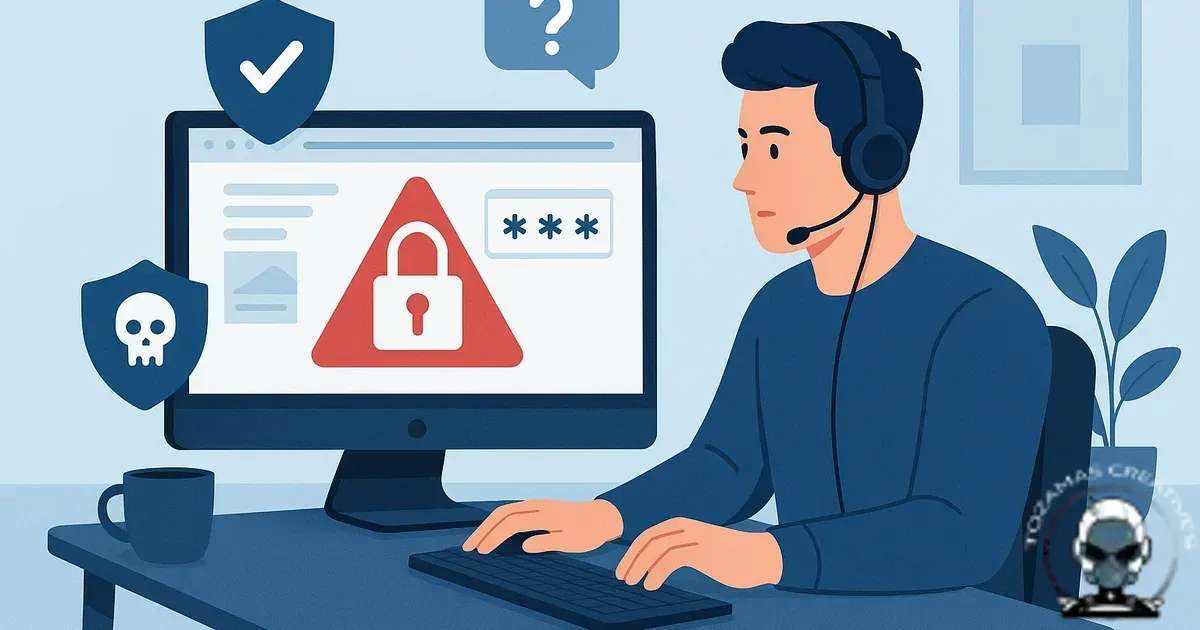
Emergency website security support isn’t “someone jumping into your admin and having a poke around”. It’s a controlled incident response process that protects evidence, restores service safely, and closes the exact entry points that caused the breach in the first place.
What “emergency” actually means in web security
In practice, emergency support usually falls into three buckets, active compromise (malware, redirects, spam pages, admin lockouts), active risk (credentials leaked, plugin vulnerability disclosed, suspicious traffic spikes), or business impact outages (site down, payment failures, forms hijacked). The distinction matters because triage comes first. Get the framing wrong and you either waste time, or you destroy the trail you need to fix the root cause properly.
Good responders ask for symptoms and timelines before they ask for logins. Benefit, you keep control of access and reduce collateral damage. Why, access should be staged and minimal, not a blanket handover. If the first message you get is “send cPanel and WordPress admin”, treat that as a red flag.
The first 30–90 minutes: triage, containment, and preserving evidence
The early phase is about stopping the bleeding without making the site harder to recover. Expect the team to confirm what’s happening using server signals (HTTP logs, WAF events, file change patterns), not just what you can see in the browser.
Containment often looks boring, because it should. Benefit, you reduce spread and buy time for clean remediation. Why, common steps include temporarily restricting admin access by IP, rotating credentials and API keys, disabling risky execution paths, and taking the site out of the blast radius if it’s spreading malware or sending spam. If email is involved, responders should treat it as a separate incident stream because SMTP compromise can continue even after the website is “fixed”.
Evidence preservation is part of technical integrity. Benefit, you can prove what happened and remove the actual entry point. Why, that means snapshots or backups taken before any clean up, plus copying relevant logs. If you’re on managed hosting with limited log retention, this step is time-sensitive. Once logs roll over, you lose the trail.
What you should be asked for (and what you shouldn’t)
Expect requests that map to the minimum access needed to diagnose and remediate. Benefit, faster resolution with less risk. Why, for most small business stacks that means hosting panel access (or SSH/SFTP), read access to DNS, and access to the CMS admin only if required. Payment gateway dashboards and email provider admin are sometimes needed when the incident touches transactions or outbound mail reputation.
You should not be pressured to share personal passwords over email or SMS. Benefit, you avoid turning a website incident into an account takeover. Why, proper teams use a secure vault or one time access links, and they’ll tell you exactly why each permission is required. If they can’t explain it clearly, they’re improvising.
How pricing should work in an emergency (and where it goes wrong)
Hidden pricing usually comes from undefined scope. “Malware removal” can mean anything from deleting a single injected script to rebuilding a compromised server because the attacker has persistent access.
In a clean engagement, you’ll see two layers. Benefit, you pay for outcomes, not guesswork. Why, there’s an initial triage fee that covers confirmation, containment, and a clear plan. Then there’s remediation priced based on what the triage finds. That protects both sides, you’re not funding uncertainty, and the responder isn’t forced into underquoting a worst case scenario.
Be wary of anyone who quotes a flat fee before they’ve looked at server level signals. Flat fees can work for narrow, repeatable tasks, but breaches are rarely identical. The other failure mode is open ended hourly work with no checkpoints. Benefit, you keep control of cost and decisions. Why, you want timeboxed phases with decision points.
Response times: what’s realistic and what’s theatre
Fast response is valuable, but speed without method is how reinfections happen. Benefit, you get stability that lasts. Why, a realistic emergency timeline is acknowledgement quickly, triage and containment same day where possible, then remediation depending on complexity. If your site is actively distributing malware or has been blacklisted, containment should happen immediately even if full clean up takes longer.
What you want to hear is how they manage handoffs and after hours coverage, not vague promises. “We can start within X hours, and here’s what we do first” is meaningful. “We’re 24/7” without process usually means “someone will reply”, not “someone will fix it”.
After triage: stabilise the infrastructure and protect discoverability
Once containment is in place, the next job is getting your infrastructure back to a known good state without erasing the evidence you need for root cause. Benefit, you restore service with technical integrity and reduce reinfection. Why, the same injection that serves malware can also generate spam pages that pollute AI search citations and damage discoverability even after the visible symptoms disappear.
If you need a clean first response checklist you can follow before anyone logs in, What to Do If Your Website Gets Hacked: An Emergency First Response Guide breaks down the exact order of operations so the fix is forensic, not guesswork.
Recovery isn’t a single step, it’s a controlled rebuild
Once containment is in place, the work shifts from stopping the breach to rebuilding your infrastructure with technical integrity. Benefit: you get stable service back without reintroducing the same vulnerability. Why, clean recovery depends on what was touched, how far the compromise spread, and whether you have the logs and backups needed to validate the fix and protect long-term discoverability and citations.
If you’re trying to set expectations under revenue pressure, the draft How Long Does Website Recovery Take After a Hack? A Realistic Timeline breaks down the stages that drive recovery time, from evidence collection through remediation and post-incident hardening.
What proper remediation looks like (beyond deleting malware files)
Deleting malicious files is the visible part. Benefit, you stop the symptoms. Why, real remediation is root cause removal and hardening the foundation so the same exploit path can’t be used again. That typically includes patching vulnerable components, removing abandoned plugins/themes, correcting file permissions, enforcing MFA where the platform supports it, rotating secrets, and reviewing admin user lists and access logs.
On WordPress, for example, a clean up that ignores wp-cron abuse, writable directories, or compromised admin sessions is just a pause button. Benefit, you prevent the same attacker playbook from working twice. Why, on custom stacks, the risk often lives in exposed admin routes, weak auth flows, or misconfigured storage buckets. The point is algorithmic alignment with how attackers actually operate, not a checklist.
If the incident touches discoverability, remediation must also protect citations. Benefit, you avoid long tail damage after the breach is “fixed”. Why, spam pages and injected redirects can poison how machines interpret your brand. If you end up rebuilding, plan the migration properly so you don’t lose legitimate signals while cleaning the mess. The decision point is covered well in when to rebuild instead of repair your website.
Blacklists, warnings, and “why is Google still showing the bad stuff?”
Even after clean up, browsers and search platforms can keep showing warnings until re-review processes complete and caches expire. Benefit, you set expectations and avoid chasing ghosts. Why, a responder should be able to tell you what’s been cleaned, what’s been requested (for example, review submissions), and what’s waiting on third parties.
They should also check for leftover spam URLs returning 200 responses, rogue sitemaps, and hacked structured data. Benefit, you clear the actual signals that keep warnings alive. Why, those are common reasons warnings linger. If you need a deeper recovery workflow, how to restore a website without losing SEO is the process we use to protect discoverability while fixing the underlying issue.
Communication during the incident: what good looks like
In an emergency, you’re buying clarity as much as labour. Benefit, you can make decisions under pressure without guessing. Why, expect short, frequent updates that separate confirmed facts from hypotheses. You should get a written incident summary with timestamps, actions taken, and what’s still unknown. That document matters later when you’re explaining the incident to stakeholders, insurers, or platform support teams.
If the responder can’t explain the trade offs, you’ll feel it immediately. Benefit, you stay in control of business impact. Why, taking the site offline might be the right call if it’s serving malware, but it has a cost. A good team will give you the containment options and the risk profile of each, then document the decision.
After the emergency: stabilising the system so you’re not back here next month
The uncomfortable truth is that many “repeat hacks” are the same hack. Benefit, you stop the cycle instead of paying for the same incident twice. Why, the attacker kept access through a second admin user, a scheduled task, a leftover webshell, or stolen hosting credentials. Post incident work should include monitoring, alerting, and a review of your web infrastructure so the foundation is measurably safer.
This is also where you decide whether your current platform can support the security posture you actually need. Benefit, you build technical integrity into day to day operations. Why, if you’re scaling and the site is now business critical, the conversation shifts from patching to building infrastructure that’s easier to secure and easier to audit. Designing a website ecosystem (not just pages) explains how we structure sites so security controls and discoverability signals aren’t bolted on as an afterthought.
What to prepare right now (before you need emergency support)
If you want faster, cheaper, cleaner incident response, set up restore first infrastructure before anything goes wrong. Benefit, you reduce downtime and limit damage. Why, that means verified backups (not just “we have backups”), access control with named accounts, MFA, and log retention that’s long enough to be useful. It also means knowing who owns DNS, hosting, and key third party accounts, because emergencies are often slowed down by account archaeology.
When an incident hits, the best outcome is boring. Benefit, you get back to normal with minimal ongoing risk. Why, site contained, evidence preserved, root cause removed, citations protected, and a clear paper trail. That’s what emergency support should look like.
Sources & Further Reading

Need emergency website security support now?
We’ll triage fast, contain safely, and fix the root cause with clear scope and pricing.
Get in TouchComments
No comments yet. Be the first to join the conversation!


Leave a Comment
Your email address will not be published. Required fields are marked *