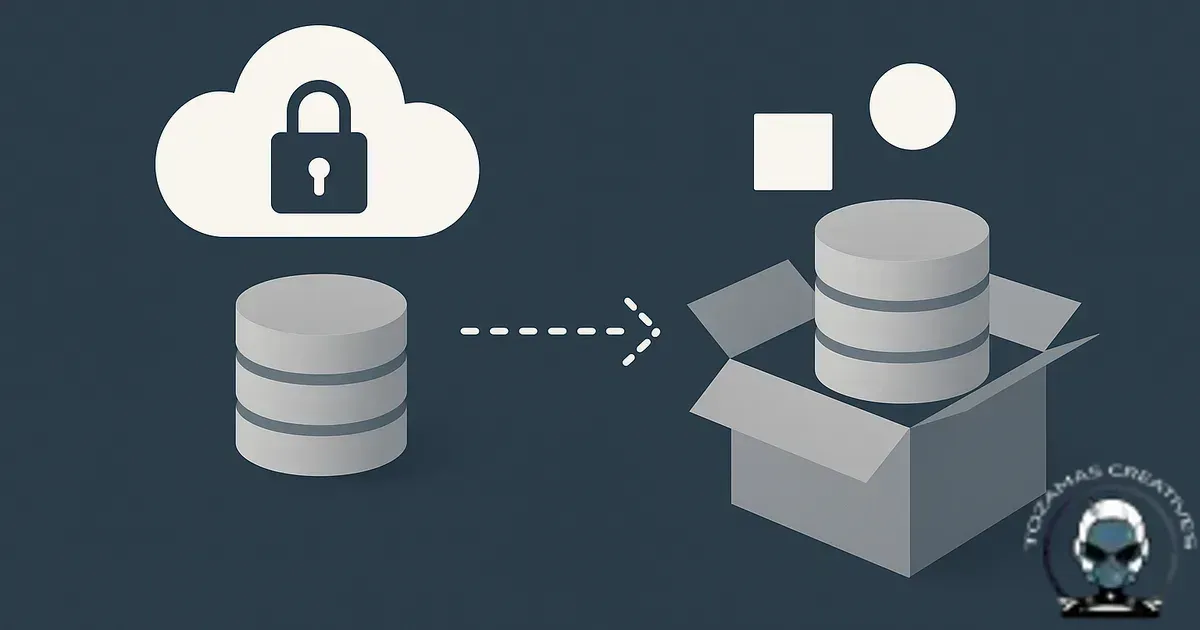
Backup security gets framed like it’s a storage problem. It isn’t. It’s a restore problem. The only backup that matters is the one you can restore cleanly, quickly, and with technical integrity when something breaks at 4:57pm on a Friday.
Backups are a comfort blanket; restores are the infrastructure
Most small businesses can tell you where their backups live. Far fewer can tell you what a successful restore actually looks like, how long it takes end to end, or what “good” means beyond the homepage loading.
That gap is where downtime hides. It’s also where reputational damage starts. A restore is the moment your foundation gets load-tested, and it exposes every quiet assumption you’ve been making about hosting, plugins, the database, DNS, and third party services.
Why “we have backups” fails in the real world
1) Corruption is normal, not rare
Backups fail for boring reasons. Incomplete database dumps, file locks during snapshotting, timeouts on large media libraries, disk quotas, or a backup plugin that quietly skips tables it doesn’t recognise. You only find out when you restore and the admin login loops, orders vanish, or the site starts throwing PHP fatal errors.
Ransomware sharpens the edge. Modern attacks don’t just encrypt production, they go after what you’ll restore from. If your backup destination is mounted, writable, or shares credentials with production, you’ve created one blast radius and labelled it “redundancy”.
2) Untested restores create false confidence
“Last backup, successful” usually means the job ran, not that the artefact is usable. A real restore test validates the full chain, backup creation, storage, retrieval, decryption (if used), import, application boot, and functional checks.
Confidence comes from repetition. If you’re serious about resilience, you treat restore testing the way you treat payment processing, you don’t assume it works because it worked once.
3) Slow recovery is a business risk, not an IT inconvenience
Long restore windows get tolerated because nobody times them. A 40GB WooCommerce site restored over a throttled S3 connection onto a cheap shared host isn’t a “few minutes” job. It’s hours, sometimes a day, and it often includes a second round of fixes because the environment doesn’t match what the backup expects.
Recovery speed is part of backup security. If your Recovery Time Objective (RTO) is four hours but your process takes twelve, you don’t have backup security. You have archived data.
Restore first thinking: what actually makes a backup secure
Predictable restores are the outcome that matters, so secure backups are designed around restore performance. You build the system so a restore is repeatable, verifiable, and isolated from the incident that triggered it. That’s infrastructure, not a checkbox.
Define success in operational terms
Clarity starts with two numbers, and they can’t stay theoretical. RPO is how much data you can afford to lose. RTO is how long you can afford to be offline. Marketers feel this immediately during campaigns and launches; the cost of a long restore shows up as wasted spend, broken attribution, and lost trust.
Alignment comes next. Once you’ve set RPO/RTO, your backup schedule and storage choices either support them or they don’t. This is where a lot of “daily backups” fall over. Daily backups (a 24 hour RPO) are fine for a brochure site. They’re not fine for bookings, eCommerce, or lead gen funnels that change every hour.
Separate your failure domains
Reduced blast radius comes from separation, because if production credentials can delete or encrypt backups, assume they eventually will. Use immutability where possible (object lock / WORM), separate accounts, and least privilege keys. Keep one copy offline or logically isolated. The goal is straightforward, an attacker shouldn’t be able to reach every copy from one compromised environment.
This isn’t paranoia. It’s algorithmic alignment with how breaches actually spread, credential reuse, token theft, and lateral movement.
Back up more than the website files
Reliable restores depend on capturing the whole system, because the “site” is bigger than WordPress files and a database. Your real operating environment includes DNS records, SSL/TLS certificates, CDN/WAF rules, email sending configuration, payment webhooks, API keys, and cron jobs.
Revenue breaks in the gaps. If you restore the database but miss the webhook signing secret, your payment provider will keep sending events that fail. If you restore the site but not DNS, you’ll be staring at a working server that nobody can reach. If you restore without capturing firewall state, you can accidentally reopen an attack path you previously closed.
For related hardening considerations, see firewall rules that protect websites without breaking legitimate traffic. It’s not “backup”, but it directly affects whether a restored environment stays stable once it’s live.
Restore testing fails fast when file permissions are sloppy
A clean restore is not just a database import and a green homepage. It is a full reboot of your infrastructure, and file permissions are one of the first places technical integrity gets exposed because they control what the web server can write after you bring the site back online.
If your restore “works” only because everything is set to writable, you have traded recovery speed for malware persistence and a bigger blast radius on the next incident. That is why we break the basics down in Secure File Permissions Explained for Website Owners, because limiting write access is one of the simplest ways to keep your restore environment aligned with safety, not convenience.
Restores don’t replace prevention
Restore first thinking is non-negotiable, but it’s still a reactive control. If bots are hammering wp-login.php, or brute force traffic is chewing through server resources, your recovery plan becomes your day to day operating model, and that’s a slow way to run infrastructure.
The cleaner approach is to reduce incident volume without breaking legitimate sessions, tracking, or third party services, because all of that affects discoverability and citations over time. We map that balance out in Firewall Rules Every Business Website Should Consider (Without Breaking Your Site), including practical WAF rules that keep the noise out while preserving technical integrity.
How to test restores without turning it into a quarterly drama
Use an isolated restore environment
Safer testing comes from isolation, so never test restores on production. Restore into a staging environment that’s network isolated and blocked from indexing. You want to validate functionality without accidentally emailing customers, firing automations, or pushing test orders into your accounting platform.
This is where small businesses get caught out. A “staging site” that shares the same database credentials, the same SMTP, and the same API keys isn’t staging. It’s production with a different URL, and it will bite you.
Test the things that break revenue
Commercial confidence comes from functional checks, because a restore test that stops at “homepage loads” is theatre. Validate admin login, form submissions, transactional emails, checkout, bookings, and any integration that moves money or leads. If you run ads, validate landing pages and conversion tracking so you don’t burn spend after a restore with broken events.
This ties directly into conversion infrastructure. A restored site that can’t capture leads is technically “up” but commercially down. Conversion pathways and failure points is a useful lens for deciding what to test first.
Time the restore and record the steps
Faster recovery comes from repeatability, so document the restore runbook and keep it current. Note where manual steps exist, what credentials are required, and what dependencies must be reconnected. If the process relies on one person’s memory, your RTO is basically a guess.
Operational integrity improves when you treat restores like deployments. Version your runbook, store it outside the server you’re restoring, and update it whenever you change hosting, plugins, or infrastructure.
Common restore killers we see (and how to design around them)
Database drift and plugin churn
More predictable restores come from consistency, because websites change constantly. Plugin updates add tables, remove columns, change serialised data formats, and alter cron schedules. If your backup system isn’t capturing the full database consistently, you’ll restore into a mismatch and spend hours chasing weird edge cases.
Stability improves when you reduce churn. Keep plugin sprawl under control and schedule maintenance so you’re not restoring a Frankenstein stack. If you’re trying to stop configuration drift, monthly hardening tasks that prevent security drift maps well to backup hygiene too.
Environment mismatch
Fewer fatal errors come from environment definition, because restoring from PHP 8.2 to PHP 7.4, or from one server stack to another, is where “it worked yesterday” turns into a white screen. Your backup plan should include the runtime, PHP version, extensions, web server config, and caching layer behaviour. Containerised setups make this easier, but even without containers you can document and replicate the environment with decent technical integrity.
Backups that are too big to move quickly
Shorter RTOs come from keeping backups lean, because media libraries balloon and databases accumulate logs and transients. If you don’t prune, optimise, and separate concerns, your restore time grows every month. That’s not a storage issue, it’s a recovery issue.
Better alignment comes from splitting where it makes sense. Keep frequent database backups for low RPO, and less frequent full file backups if your media doesn’t change often. The right model depends on how your site earns money, not what your backup plugin defaults to.
Resilience is measured in restores, not promises
Backup security is a discoverability and trust issue as much as it is a technical one. If your site is down for a day, customers don’t care that you have three copies in the cloud. They care that they can’t book, buy, or contact you. Machines notice too. Prolonged downtime and broken responses erode citations and confidence signals across the web.
Real resilience comes from restore first foundations, isolated copies, immutable storage, tested runbooks, and restore drills that match your real RPO/RTO. That’s what holds up when the incident isn’t polite.
Sources & Further Reading

Need a restore-first backup setup?
We can build, host and manage resilient backups with tested restores for your Queensland business.
Get in TouchComments
No comments yet. Be the first to join the conversation!



Leave a Comment
Your email address will not be published. Required fields are marked *