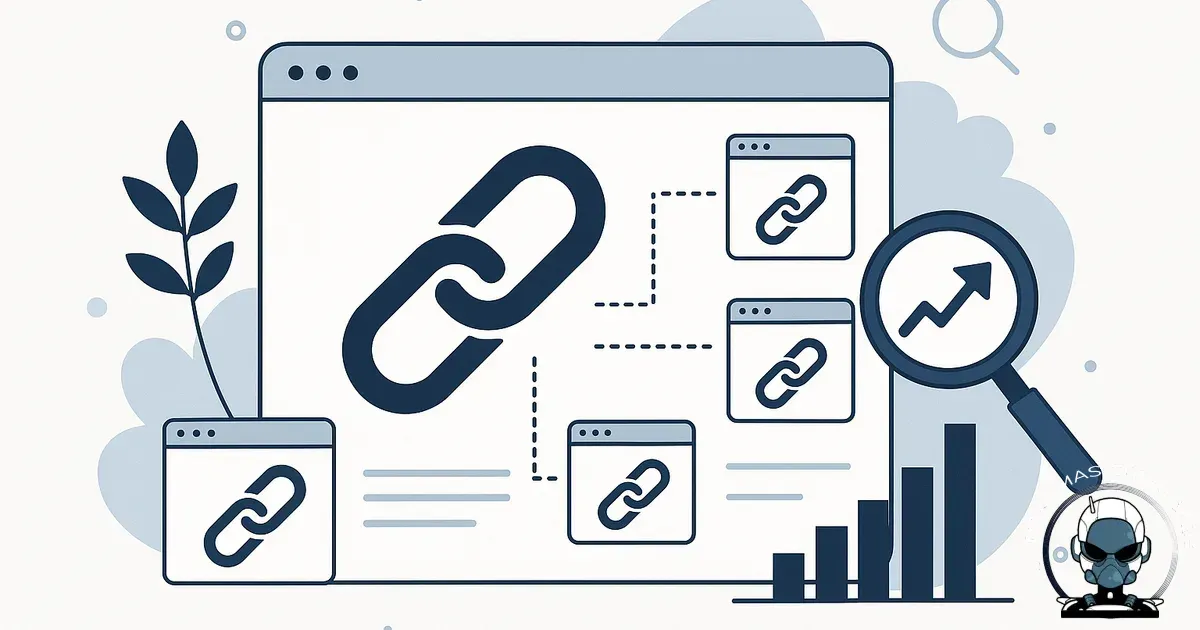
Internal linking is the most underrated SEO strategy because it’s one of the few levers you fully control, and it directly influences how Google crawls, understands, and values your pages. In fact, studies show that sites with well-structured internal links can improve their overall search visibility by up to 40%.
Internal links do three jobs at once
Most SEO tactics push in one direction. Internal links pull triple duty.
- They help Google find and crawl pages. If a page isn’t linked from anywhere meaningful, it can take longer to be discovered or re-crawled, especially on smaller sites with limited external links.
- They explain what each page is about. Google uses context and anchor text (the clickable words) to understand relationships between topics. “See our pricing” signals something different to “website design pricing in Brisbane”.
- They distribute authority around your site. Pages that earn backlinks (often your homepage, popular blog posts, or media mentions) can pass value to other pages through internal links. That can be the difference between a service page sitting on page two versus breaking into the top results.
Why small businesses in Australia feel the pain when internal linking is weak
Local service businesses often have a similar website pattern: a homepage, a few service pages, a contact page, and a blog that’s updated now and then. The problem is that blog posts frequently become dead ends, and service pages don’t get enough internal support to rank for competitive local terms.
Internal linking is how you turn “random helpful content” into a system that reliably funnels search visibility towards the pages that make you money.
What good internal linking looks like in practice
1) Build clear topic clusters around your services
Pick one core service page as the hub, then create supporting pages and articles that answer the real questions customers ask before they enquire. Each supporting piece should link back to the hub page, and the hub should link out to the key supporting pieces.
- Hub: “SEO services in Queensland”
- Support: “How much does SEO cost in Australia?”, “Local SEO checklist for tradies”, “What to expect in your first 90 days of SEO”
This structure makes it easier for Google to see depth and relevance, and it makes the site easier for people to navigate.
2) Link from high-traffic pages to high-value pages
Check your analytics for pages that consistently get traffic (often blog posts ranking for informational searches). Add links from those pages to the service pages that solve the next step.
- If a blog post about “how to choose a web designer” gets visits, link to your web design service page and your process page.
- If a post about “Google Ads mistakes” ranks, link to your ads management page and your lead capture or landing page service.
Keep the link placement natural. Put it where a reader would genuinely want the next piece of information, not in a big block of forced links.
3) Use anchor text that’s specific without being spammy
Anchor text should describe what the user will get, using the language people actually type into Google. Avoid repeating the exact same keyword phrase every time, which can look unnatural and reads poorly.
- Good: “website redesign pricing”, “SEO audit checklist”, “book a discovery call”, “our sales funnel build process”
- Less helpful: “click here”, “read more”, “this page”
4) Fix orphan pages and thin pathways
An orphan page is a page with no internal links pointing to it. Even if it’s in your sitemap, it’s often weak from an SEO perspective because it has no clear place in your site structure.
A quick audit you can do without fancy tools:
- Export a list of your site’s URLs (from your CMS, a crawler, or Search Console).
- Pick your money pages (services, booking, product categories).
- For each money page, check whether at least 3 to 10 relevant pages link to it, depending on your site size.
- If not, add links from related blogs, FAQs, and location pages.
5) Keep links current when you update or consolidate content
Internal linking falls apart when you publish new pages but don’t retrofit the old ones. It also breaks when you delete or merge pages and forget to update the links, leaving users and crawlers hitting redirects or 404s.
If you’re consolidating similar articles into one stronger page, update internal links to point directly to the final URL. If you’re dealing with duplicates, canonical tags come into play, but they don’t replace good internal linking. For a deeper explanation, see Canonical URLs Explained: Why They Matter and What Happens When You Get Them Wrong.
Internal linking only works when the structure supports it
If your pages are buried behind messy navigation or inconsistent URL paths, even good internal links become harder for Google to interpret and harder for users to follow. That’s usually a site architecture problem, not an anchor text problem, and it’s why the biggest internal linking wins often come from fixing the layout of your content first. If you want to see how that plays out in SEO and enquiries, Why Website Architecture Matters More Than Design breaks down the pieces that make your most important pages easier to find and rank.
Common internal linking mistakes that quietly kill performance
- Only linking in menus and footers. Navigation links help, but contextual links inside content carry clearer topical meaning.
- Over-linking every mention. If every sentence is a link, none of them stand out. Link where it helps decision-making.
- Sending everyone to the homepage. It’s usually the wrong destination. Link to the specific service, resource, or next step.
- Ignoring your best pages. If a page already ranks and gets traffic, treat it like an asset and use it to support related pages.
- Broken internal links. They waste crawl budget and create a sloppy user experience. A quarterly check is usually enough for small sites.
A simple internal linking plan you can implement this week
Day 1: Map your money pages
List your core services (and top product categories if you’re eCommerce). These are the pages you want to rank and convert.
Day 2: Assign 3 supporting pages to each money page
Pick existing blogs, FAQs, case studies, or guides that relate directly. If you don’t have them, note the gaps for future content.
Day 3: Add 2 to 5 contextual links per supporting page
Each supporting page should link to the relevant service page and at least one other related support piece. Keep it tight and relevant.
Day 4: Strengthen your hubs
On each service page, add links to the best supporting pieces: “pricing”, “process”, “common questions”, “case studies”, and “related services” where appropriate.
Day 5: Check for cannibalisation and overlap
If you have multiple pages competing for the same intent, adjust internal links so Google sees a clear primary page. Where necessary, merge content and use a canonical strategy appropriately.
Why this strategy works even if you’re not “doing everything SEO”
Internal linking improves results from the traffic and authority you already have. It reduces wasted content, speeds up discovery of new pages, and helps your most profitable pages earn more visibility without relying on constant new blog posts or expensive backlinks.
Sources & Further Reading
- Google Search Central: Internal links
- Moz: The Beginner's Guide to SEO - Internal Linking
- HubSpot Blog: Internal Linking for SEO: How to Do It Right
- Australian Government: Digital Transformation Agency - SEO Best Practices
- Search Engine Journal: Why Internal Linking Is an SEO Game-Changer
- Google Search Central Blog: How Google Search Works
- Google Search Central - Internal Linking Best Practices
- Moz - The Beginner's Guide to SEO: Internal Linking
- HubSpot - How to Use Internal Linking to Boost SEO
- Australian Government - Business.gov.au: Digital Marketing
- Search Engine Journal - Internal Linking for SEO: The Complete Guide
- Ahrefs - Internal Linking for SEO: Why and How to Do It

Need help improving your internal links?
We’ll map your site structure and implement internal linking that supports rankings and enquiries.
Get in TouchComments
No comments yet. Be the first to join the conversation!



Leave a Comment
Your email address will not be published. Required fields are marked *