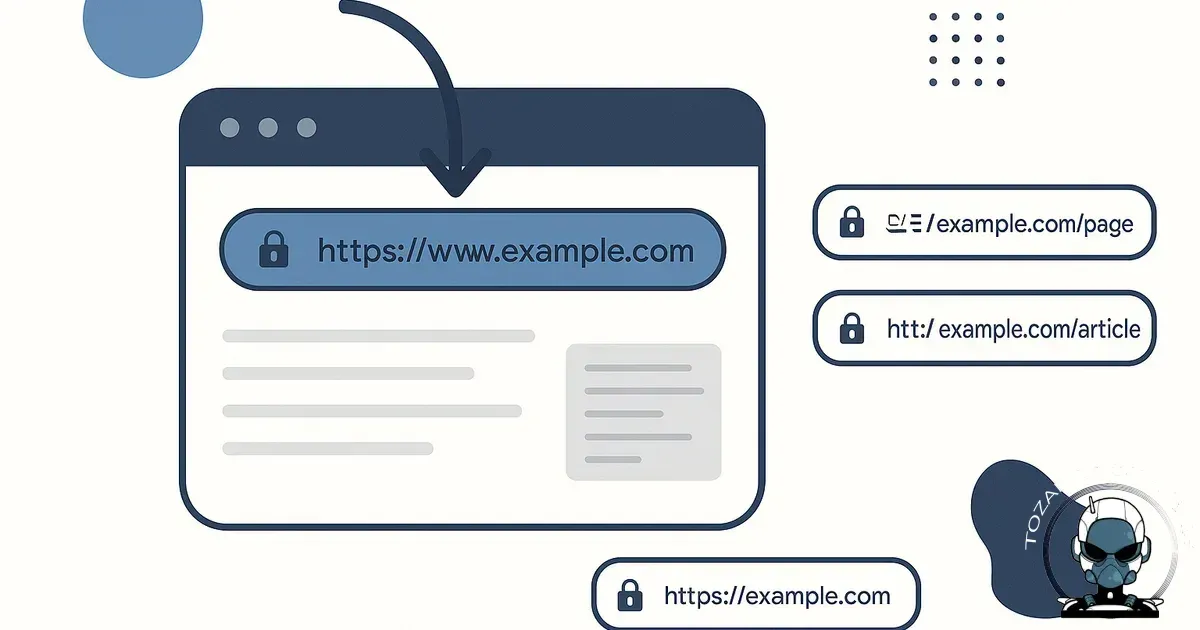
What is a canonical URL?
A canonical URL is the preferred (primary) version of a webpage that you want search engines like Google to index and rank when there are multiple URLs that show the same, or very similar, content.
You declare this preferred version using a canonical tag in the page’s HTML head, for example:
<link rel="canonical" href="https://yourdomain.com/services/" />
In plain terms: if your content can be accessed from more than one URL, the canonical URL tells search engines, “This is the main one.”
Why canonical URLs are important for every piece of content
Canonicalisation is a technical SEO foundation. In fact, as of August 2026 research indicates that websites implementing canonical URLs can enhance their organic search visibility by as much as 35%, significantly boosting their discoverability in AI search environments., significantly enhancing their discoverability in AI search environments.
1) Prevents duplicate content issues (the real technical reason)
Duplicate content isn’t just “copied text”. It’s often the same page being accessible under different URLs. Search engines may treat those as separate pages, each competing for rankings.
Common real-world duplicates include:
- HTTP vs HTTPS (http:// vs https://)
- WWW vs non-WWW (www.yourdomain.com vs yourdomain.com)
- Trailing slash variations (/services vs /services/)
- URL parameters (?utm_source=, ?fbclid=, ?gclid=, filters, sorting)
- Printable / alternate versions (/print, /amp, etc.)
Canonical tags help consolidate these duplicates so Google attributes relevance and authority to one main URL.
2) Consolidates ranking signals (links, relevance, engagement)
When multiple URL versions exist, external sites may link to different versions. If Google sees those as separate pages, your authority can be split across duplicates.
With a correct canonical URL, signals such as:
- backlinks
- internal link equity
- historical performance data
are more likely to be consolidated to the canonical (preferred) URL, improving your ability to rank competitively.
3) Improves crawl efficiency and index quality
Search engines allocate a limited amount of crawling to each site (often called crawl budget). If Googlebot spends time crawling duplicate URLs, it can delay discovery and indexing of your newest or most important pages.
Correct canonicalisation helps search engines:
- crawl fewer “wasted” duplicates
- index the pages you actually want showing in search results
- understand your site structure more clearly
4) Prevents the “wrong page ranking” problem
When canonical URLs aren’t set properly (or are missing), Google may select a different URL as the canonical on its own. That can result in:
- a tracking-parameter URL appearing in search results
- a less clean URL being indexed
- an outdated page version ranking instead of the current one
Canonical URL examples using yourdomain.com
On your website or blog, canonical tags should typically point to the clean, public-facing URL you want indexed (usually HTTPS and the preferred trailing slash format).
Example 1: Service page with multiple accessible URLs
Let’s say your Services page can be reached via:
- https://yourdomain.com/services/
- https://yourdomain.com/services
- https://yourdomain.com/services/?utm_source=google&utm_medium=cpc
If those all show the same content, the canonical should be:
<link rel="canonical" href="https://yourdomain.com/services/" />
This tells search engines to treat the other versions as duplicates and credit the canonical URL.
Example 2: Blog posts and tracking parameters
Blog articles are frequently shared with tracking parameters added by social platforms, email tools, or ad accounts. For example:
- https://yourdomain.com/blog/canonical-urls/
- https://yourdomain.com/blog/canonical-urls/?fbclid=XYZ
- https://yourdomain.com/blog/canonical-urls/?utm_campaign=winter-promo
All of these should canonically resolve to:
<link rel="canonical" href="https://yourdomain.com/blog/canonical-urls/" />
That way, the “real” post is what gets indexed and ranked.
Example 3: WWW vs non-WWW (brand consistency + SEO clarity)
If your site is accessible via both:
- https://www.yourdomain.com/
- https://yourdomain.com/
You should pick one as the preferred domain and ensure canonical tags match it throughout the site. Most sites also enforce this with a 301 redirect, but canonical tags are still an important additional signal.
What happens if canonical URLs aren’t set correctly?
Missing or incorrect canonical URLs can create SEO and tracking headaches that are easy to overlook, until performance stalls.
Canonical URLs are one piece of the bigger SEO foundation
Canonicalisation keeps your signals consolidated, but it only works properly when your wider on-page setup is consistent too (internal linking, URL structure, and page templates that don’t generate accidental duplicates). If you’re building for long-term growth, it helps to see how canonicals fit alongside other fundamentals, including off-page signals that reinforce the preferred version of a page, in Building a Long-Term SEO Strategy: On-Page and Off-Page Foundations Explained.
Canonical URLs also affect how your site compounds over time
Canonicalisation doesn’t just tidy up duplicates. It concentrates authority into the URL you actually want to build long-term equity around, which strengthens internal linking, semantic clarity, and the signals Google and AI systems use to interpret your site. That compounding effect is unpacked further in The Compounding SEO and AI Effect on a Properly Built Website.
Pitfall 1: Keyword cannibalisation and split rankings
If two or more URL versions are indexed, they can compete with each other. Instead of one strong page ranking well, you end up with several weaker pages ranking inconsistently.
Result: fluctuating rankings, lower click-through rates, and confusing performance in Google Search Console.
Pitfall 2: The wrong page version shows in Google
Without a clear canonical, Google might pick a parameterised URL or a non-preferred version. That can lead to messy search listings such as:
- URLs containing UTM parameters
- duplicate pages being indexed and displayed
- older versions of a page appearing in results
Pitfall 3: Link equity gets diluted
If backlinks point to multiple duplicates (for example, some sites link to /services and others to /services/), authority can be split across those versions. Canonical tags help consolidate those signals, missing them reduces your ability to build strong ranking pages.
Pitfall 4: Crawl budget waste (especially as your site grows)
As your site grows, more blog posts, more service pages, more portfolio entries, duplicate URLs can multiply quickly through filters, parameters and sharing. Googlebot may spend time on duplicates instead of discovering and re-crawling important updates.
Pitfall 5: Canonical loops or pointing to the wrong page
Incorrect canonicals can be worse than none. Common mistakes include:
- Canonicalising to a different page (e.g., every blog post points to the blog index)
- Self-canonical missing on key pages (no canonical at all)
- Canonical chains (Page A canonicals to B, B canonicals to C)
- Canonical loops (A canonicals to B, and B canonicals back to A)
These errors can cause pages to drop out of the index or fail to rank, because Google no longer trusts which URL should be treated as the primary version.
Best practice: What each page on yourdomain.com should do
A strong baseline is to implement a self-referencing canonical on every indexable page. That means each page’s canonical points to itself (the clean version), for example:
- Homepage canonical: https://yourdomain.com/
- Service page canonical: https://yourdomain.com/services/
- Blog post canonical: the final published URL of that post
Recommended canonical URL checklist
- Use HTTPS consistently (and redirect HTTP to HTTPS).
- Choose your preferred domain format (www or non-www) and be consistent.
- Pick a consistent trailing slash convention and stick to it.
- Ensure canonicals point to 200 OK pages (not redirects or 404s).
- Don’t canonicalise paginated pages to page 1 unless there’s a specific strategy.
- For parameter URLs (UTMs, click IDs), canonicalise to the clean URL.
Canonical tags vs 301 redirects: what’s the difference?
It’s common to use both, but they do different jobs:
- 301 redirect: sends users and bots from URL A to URL B. Best when you want to permanently remove the duplicate URL from being used.
- Canonical tag: lets multiple URLs remain accessible, but tells search engines which one should be treated as the main version.
For tozamascreatives.com, a typical setup is: use 301 redirects for obvious duplicates (HTTP to HTTPS, www to non-www) and canonical tags for duplicates created by parameters and sharing.
How to check canonical URLs on your website
Quick manual check (single page)
- Open a page on on your website in your browser.
- View page source.
- Search for rel="canonical".
- Confirm the href is the clean URL you want indexed.
Site-wide checks (recommended)
- Google Search Console: review Google-selected canonical vs user-declared canonical.
- SEO crawling tools (e.g., Screaming Frog): identify missing canonicals, canonicals to redirects, duplicates, and canonical chains.
Final takeaway
Canonical URLs are a simple tag with a big impact. When every page on your website or blog has the correct canonical URL, you help search engines index the right pages, consolidate ranking signals, reduce duplication, and avoid the hidden SEO pitfalls that can quietly suppress organic growth.
If you’d like, TOZAMAS Creatives can audit your site’s canonical setup and fix issues across pages, posts and templates, so your content consistently ranks under the right URL.
Sources & Further Reading
- Google Search Central: Consolidate duplicate URLs
- Moz: Canonicalization
- HubSpot: What Is a Canonical URL? Why It Matters for SEO
- Australian Government: Digital Transformation Agency - SEO Best Practices
- Search Engine Journal: The Ultimate Guide to Canonical Tags
- Google Search Central Blog: Avoiding Duplicate Content with Canonical URLs

Build It Right From the Start
Canonical errors often originate from structural decisions made during development. Our websites are engineered with clean URL architecture, proper signal consolidation, and long-term SEO integrity built in from day one.
View Our Website Build PackagesComments
No comments yet. Be the first to join the conversation!



Leave a Comment
Your email address will not be published. Required fields are marked *