Where DIY usually breaks (and it’s not where you think)
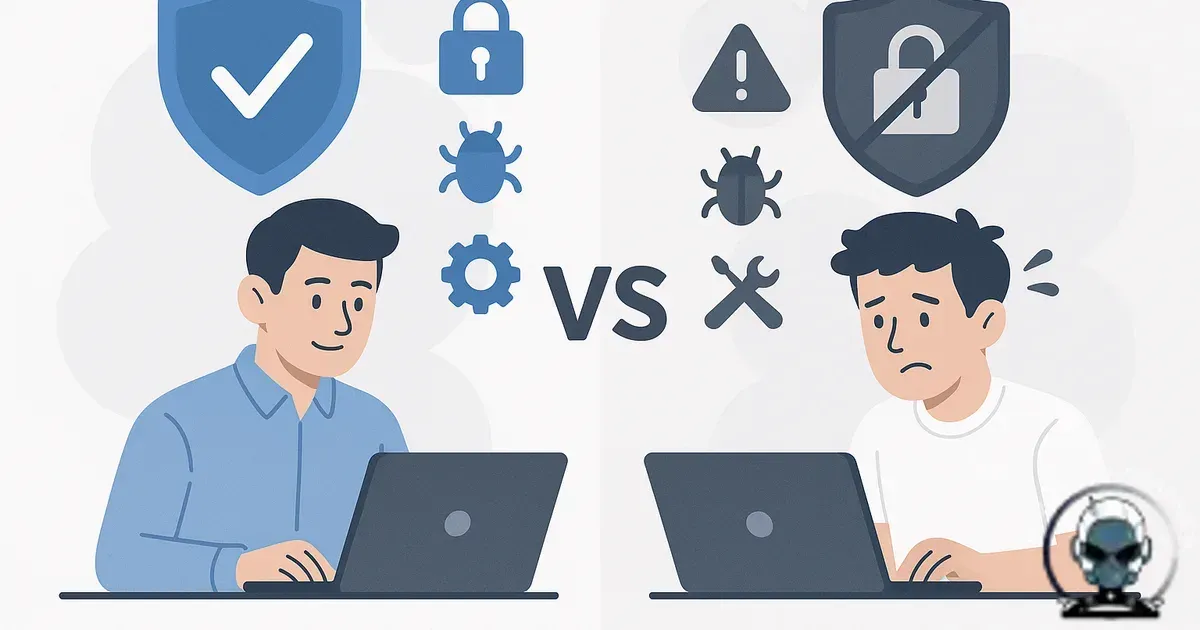
Managed website security vs DIY protection isn’t really about whether you can install a plugin or flick on a firewall. It’s about resilience: whether your security foundation holds up through the repetitive operational work after setup, patch cycles, alert triage, log review, credential hygiene, and incident response when something inevitably slips through.
Most small businesses don’t get compromised because they “did nothing”. They get compromised because they did a few sensible things, then the business got busy. A staff change. A rushed campaign landing page. A theme update parked for two weeks because it might break the site. A new integration approved without anyone sanity checking the permissions it requested. Attackers don’t need negligence, they thrive in that middle ground where you’re not careless, just flat out.
DIY protection is a stack, not a setting
DIY can be defensible when you treat it like infrastructure. The failure mode is predictable: most DIY setups are point tools without an operational layer. You end up with a WordPress security plugin, a couple of host features, maybe Cloudflare, and good intentions. That’s not a system. It’s components without ownership.
You get safety from operations, not from installs. Who owns alerts at 9:40pm on a Friday? Who decides whether a spike in 404s is bot noise, a broken campaign URL, or an exploit attempt? Who connects a login anomaly to a new admin account created two days earlier? Without those decisions being owned, you’re effectively running on “we’ll notice if something’s wrong”, which is how compromises stay quiet until customers are the ones noticing.
If you want a practical baseline for what “DIY but serious” looks like, start with a website security checklist you’ll actually maintain. The benefit is consistency; the technical why is that security only works when it survives your busiest weeks.
The real difference is time to signal and time to action
You get better outcomes when you detect issues early and respond fast, because security is mostly signal processing: separating real problems from noise, then acting before a small issue becomes a business incident.
DIY tools often produce alerts that are technically correct but operationally thin. A plugin says “blocked 1,284 requests” and you feel covered, but you still can’t tell whether those requests were probing a vulnerable endpoint you forgot existed. Host dashboards flag “malware detected” with no file path, no timeline, no IOC (indicator of compromise), and no clarity on whether it’s a false positive or an active infection.
Managed security, done properly, buys you ownership of the signal pipeline. The value isn’t that someone installs tools you could also install. The value is accountability: someone interprets the telemetry, keeps technical integrity through updates, and responds with a defined plan when the data says “this is real”.
Patch management: the unsexy part that decides outcomes
You avoid most compromises by patching on time, because the majority of real-world incidents are mundane: known vulnerabilities in known plugins, themes, CMS cores, or server components that weren’t updated quickly enough.
DIY patching fails in a few predictable patterns. Updates get delayed because the site is tied to revenue and nobody wants to risk breaking checkout, forms, tracking, or the booking system. Or updates happen too quickly without testing, something breaks, and then the business starts rolling back changes and switching off auto-updates. The end result is the same: you get stuck on a vulnerable version for months.
Managed security works when patching is treated as controlled change. The benefit is fewer breakages; the technical why is staging where it matters, rollback plans, and an understanding of how marketing stacks actually behave in the wild. If your site is stitched into analytics, ads, CRM, and email automation, “just update everything” is a reliable way to quietly break attribution and make bad decisions for weeks.
Backups are not recovery
You reduce downtime by planning recovery, because backups alone are often an optimistic story. A daily backup is fine until you realise the infection has been present for three weeks and every backup is contaminated. Or the backup exists, but restoration has never been tested and the first attempt happens during an outage with customers waiting.
Managed security should include recovery thinking, not just backup storage. Clean restore points, restoration drills, and clarity on what “clean” actually means. If you’ve never validated that a restored site won’t immediately re-infect because the compromised credential still exists, you don’t have recovery, you have a loop.
If you suspect something is already off, don’t rely on gut feel. Check against the practical indicators in signs your website has been compromised and treat it like an incident until proven otherwise.
Patch management is where security becomes operational
Patching is where most DIY stacks quietly lose technical integrity. The issue is rarely “can you update a plugin”, it’s whether you can do it on cadence, validate what changed, and roll back fast when an update breaks critical pages that drive discoverability and citations.
If you want a baseline that turns patching into repeatable infrastructure, we’ve mapped the moving parts in Website Security Checklist for Small Business Owners (That You’ll Actually Maintain). It covers access control, updates, backups, monitoring, and DNS in a way that holds up when the business gets busy.
Patch management is where DIY usually unravels
Patches are not an “update button” job, they are controlled change on a live system. The benefit is stability; the technical why is that every patch shifts your foundation, and without pre checks, backups, and rollback paths, you trade security for downtime.
This is also where algorithmic alignment and discoverability get quietly damaged, because broken templates, script errors, and plugin conflicts reduce the technical integrity machines rely on for citations. We mapped the operational cadence that keeps both security and uptime predictable in How Often Should a Business Website Be Maintained? A Practical Schedule That Prevents Downtime.
Access control: where “small team” becomes a risk multiplier
You reduce breach likelihood by keeping access tight, because small businesses run lean on process, which is fine until access control gets messy. Shared logins. Old contractors with lingering admin access. API keys living in someone’s inbox. “Temporary” permissions that never get rolled back. DIY protection rarely includes ongoing access reviews because it feels like admin, not security.
From an attacker’s perspective, credentials are infrastructure. Once they have them, they don’t need to be loud. They can wait, move laterally, and pick the moment that hurts most. Strong authentication helps, but it doesn’t replace least-privilege discipline and credential rotation where it’s warranted.
WAFs, bot protection, and the myth of set-and-forget
You stop more bad traffic when edge controls are tuned, because a WAF is a layer, not a forcefield. Managed rulesets still need adjustment. Too strict and you block legitimate traffic, break forms, or kill ad landing pages. Too loose and you’re just logging attacks you should be preventing.
DIY setups often stop at “WAF enabled”. Managed setups keep watching edge behaviour. They look for patterns across requests, user agents, geo anomalies, and endpoint targeting. That’s how you catch credential stuffing, scraping, and low and slow probing that won’t trip basic thresholds.
Incident response: the part nobody budgets for
You limit damage with a response plan, because DIY security usually ends at prevention. Incident response is what separates a bad day from a bad quarter.
When something happens, you need an order of operations. Preserve logs before they roll over. Identify the entry point. Remove persistence, not just visible malware. Rotate credentials in the right sequence. Validate integrity before you send paid traffic back to the site. If you’re making those calls for the first time while the site is down, you pay in downtime and stress.
Managed security should include a defined response path and someone who’s done it before. Not because you can’t learn it, but because learning it mid incident is an expensive way to build capability.
How this ties into discoverability and trust
You protect growth by protecting trust, because security isn’t separate from performance. Compromised sites get blacklisted, flagged in browsers, and quietly lose trust signals that affect discoverability. Even after you “fix it”, the cleanup can take time to propagate across the systems that matter, including search engines and ad platforms.
We treat security as part of technical growth infrastructure, not a bolt on. The benefit is reliability; the technical why is that the same technical integrity that keeps attackers out also keeps analytics clean, conversion pathways stable, and the brand credible. If your website architecture is shaky, security gets harder because you can’t confidently define what “normal” looks like. That’s why we push a systems-first approach across the whole stack, not just the security layer. The thinking behind that is covered in designing a website ecosystem for discoverability.
When DIY is reasonable (and when it’s not)
DIY is reasonable when you have clear ownership, time to maintain it, and the ability to respond quickly. That might be an in-house technical marketer, a developer on retainer, or a founder who genuinely understands the stack and keeps it current. The deciding factor is ownership plus process, not which tools you picked.
Managed security makes sense when downtime is expensive, when the site is tied into paid traffic and automation, when compliance expectations exist (even informally), or when your team’s time is better spent on sales and delivery. The moment you’re relying on “we’ll get to updates next week”, you’re already operating in the risk zone.
What to compare when you’re choosing managed vs DIY
Skip feature checklists. Compare accountability and evidence.
Ask how patching is handled when updates break marketing tags or forms. Ask what logs are collected, how long they’re retained, and who reviews them. Ask how recovery is validated, not just whether backups exist. Ask what happens on day one of an incident, including who does what and how fast. If the answers are vague, you’re paying for a comforting dashboard, not protection.
Sources & Further Reading

Need security ownership, not just tools?
We can build and manage your website security foundation so it stays protected while you run the business.
Get in TouchComments
No comments yet. Be the first to join the conversation!


Leave a Comment
Your email address will not be published. Required fields are marked *